
Documentation for your homelab that writes itself, and keeps your notes.
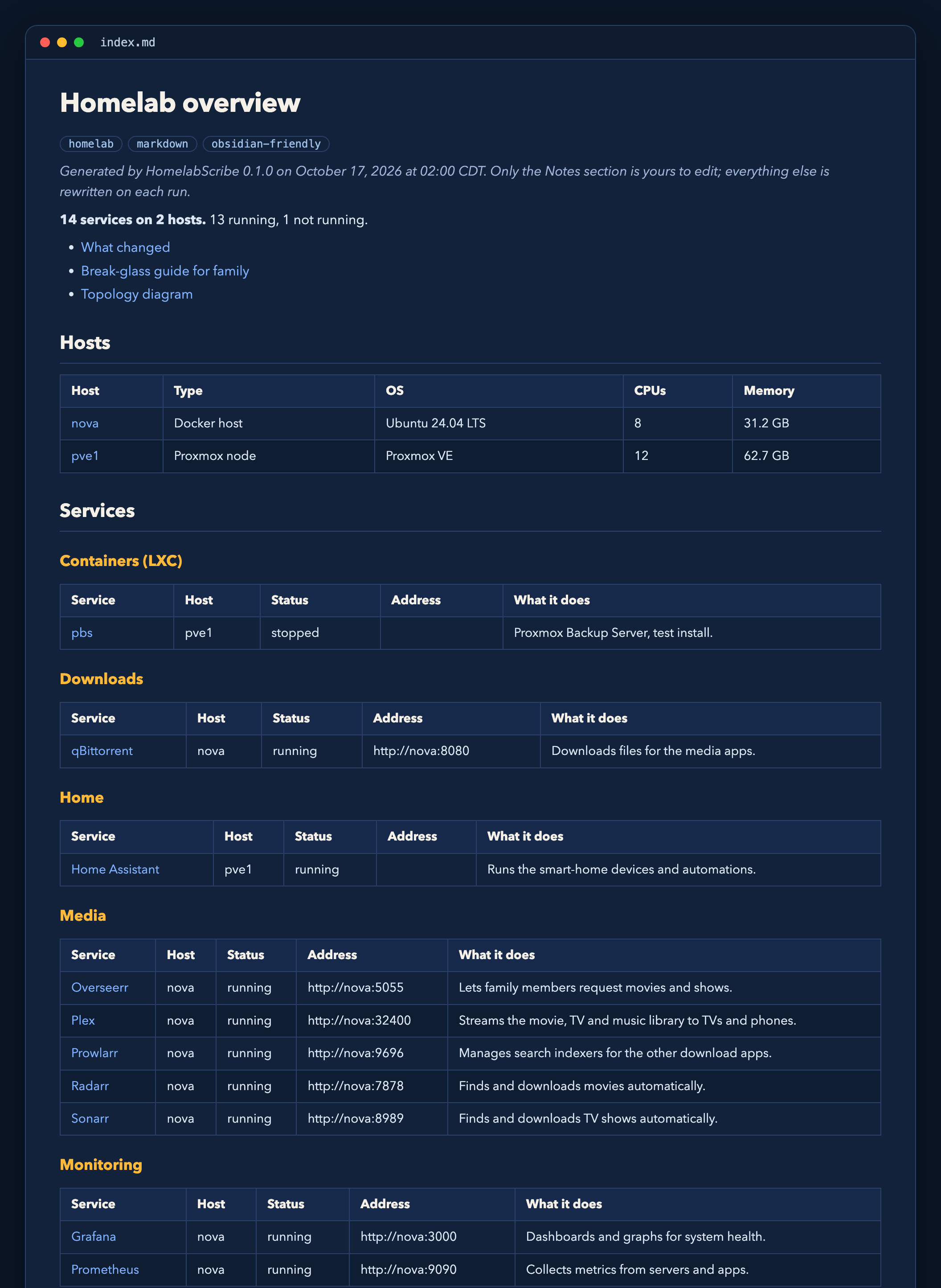
HomelabScribe™ scans your Docker hosts (and Proxmox, with Pro) and writes readable Markdown: one page per service, one per host, and an overview. Run it again tomorrow and the docs update themselves. Anything you wrote in a page's Notes section stays exactly as you left it.
Public release coming soon Try the demo View on GitHub
Open source (AGPL-3.0) · Python 3.11+ · Docker image · Obsidian-friendly
Built to be safe to point at your whole lab
Read-only
It never changes a container, VM or host. Docker access goes through a read-only socket proxy, and Proxmox through an audit-only token.
Private by design
Runs on your network. No telemetry, no update checks, no license calls. Pro keys are verified offline.
No secrets on disk
Environment variable names are recorded, never their values. Labels that look like credentials are dropped.
Your notes survive
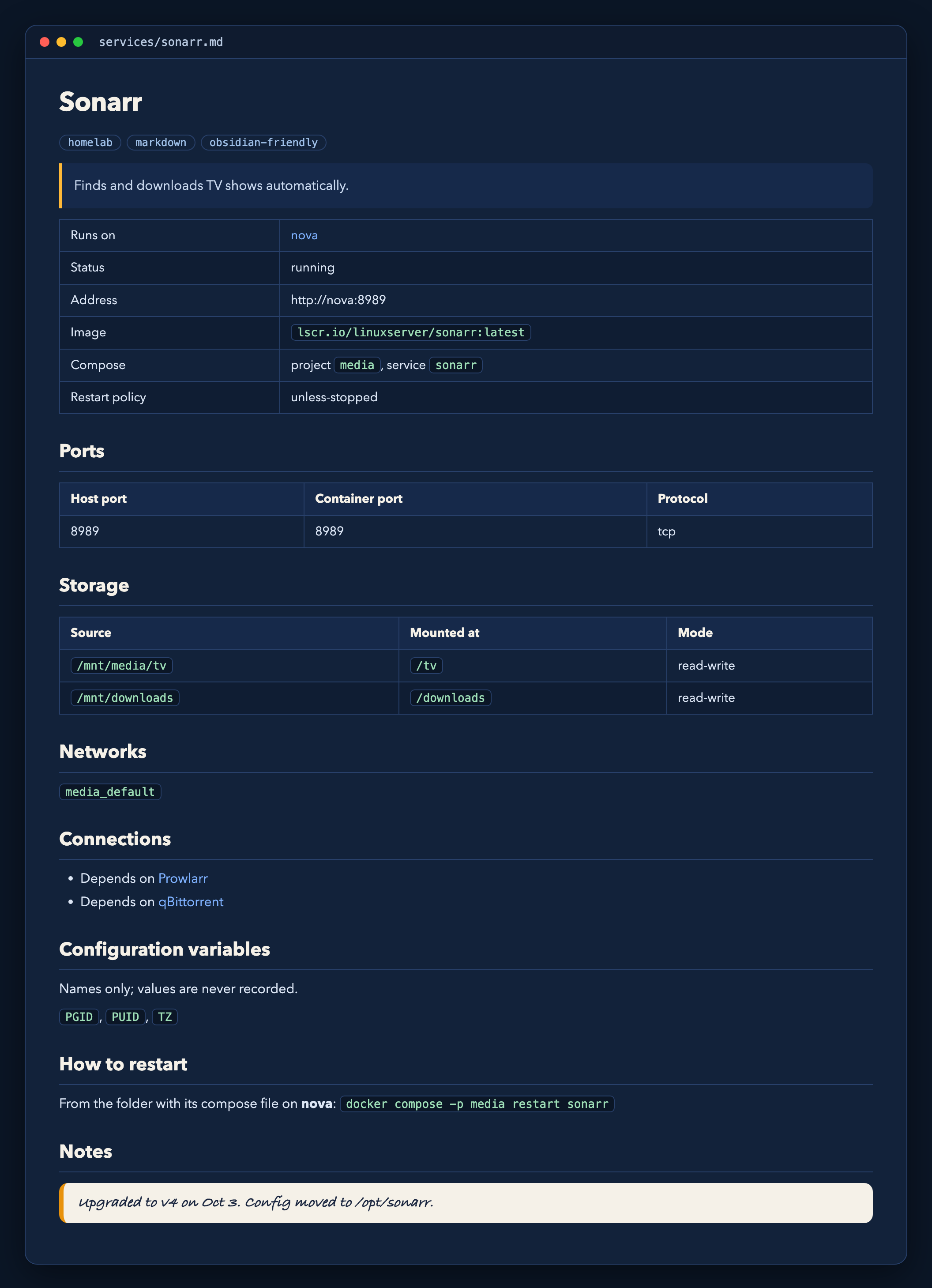
Every page ends with a Notes block that is copied forward untouched. Pages for removed services that hold notes are archived, not deleted.
Plain-English pages
It recognizes 60+ common self-hosted apps and describes them in plain language. Add your own with labels or a catalog file.
Real web addresses
It can read Nginx Proxy Manager so each service shows the address you actually use, and lists every route on one page.
Covers what it can't scan
Describe a Pi-hole on a Raspberry Pi, a NAS or a router by hand, and it appears alongside everything else.
A guide for family Pro
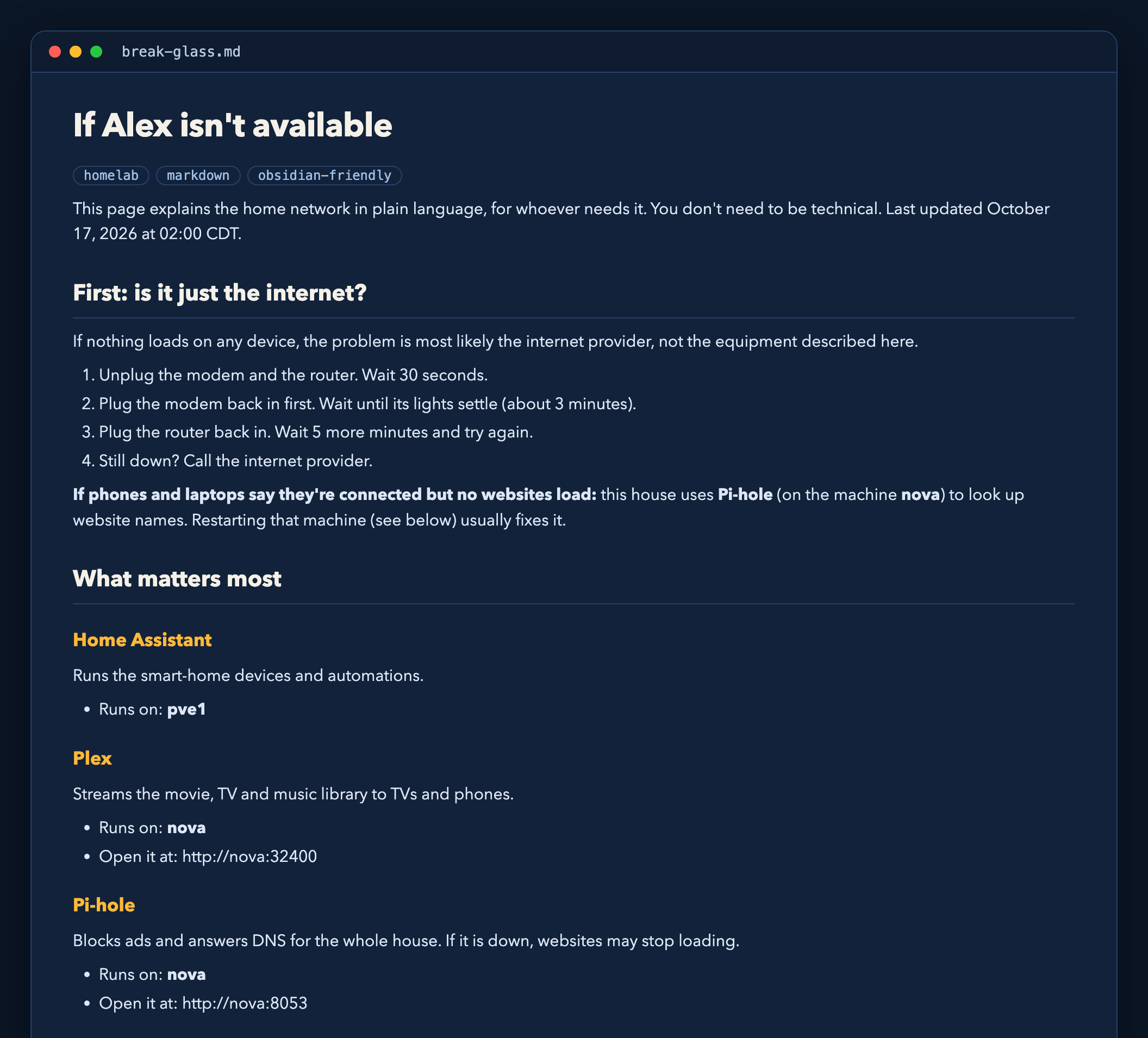
A break-glass page in plain language: what to do if the internet is down, which machines to restart, and who to call.
How it works
- Point it at your hosts. A short YAML file lists your Docker hosts, and optionally Proxmox and your reverse proxy.
- Run it from cron, a container, or with Pro's built-in schedule. Each run takes a snapshot, compares it with the last one and rewrites only what changed.
- Read it anywhere. The output is Markdown, so it drops straight into an Obsidian vault, a Git repo or any viewer.
pipx install homelabscribe
homelabscribe demo          # a made-up lab, no Docker needed
homelabscribe run -c homelabscribe.yaml
Install instructions appear here at launch.
See it
Screenshots of the built-in demo, a made-up lab, rendered from the Markdown HomelabScribe™ writes.
Free vs Pro
| Feature | Free | Pro |
|---|---|---|
| Docker hosts | 1 | Unlimited |
| Proxmox VMs and LXCs | – | Yes |
| Service, host and overview pages | Yes | Yes |
| Your notes preserved across runs | Yes | Yes |
| Changelog ("what changed this week") | – | Yes |
| Break-glass guide for family | – | Yes |
| Topology diagram | – | Yes |
| Built-in scheduler | – | Yes |
Pro is a license key, checked offline on your own machine. Pricing and the store open at launch.